
Jun 18
empty browser URL input
Hi, is it possible to open Tabhive with an empty URL input? So I could enter a search termn directly to search on google.

Completed
do I have to set somewhere? URL is still showing chrome-extension://gookjlblkfiflkccljpanggleekgeikl/tab.html
It shouldn't show up now. You will have to remove the previous extension and add the one that I shared above. It will be set as new tab override. can you share a screenshot?
i used your link ... I even wrote a review 😄
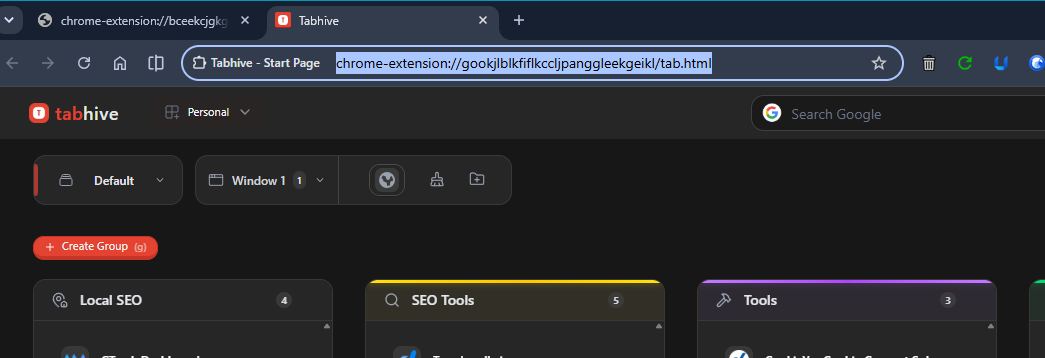
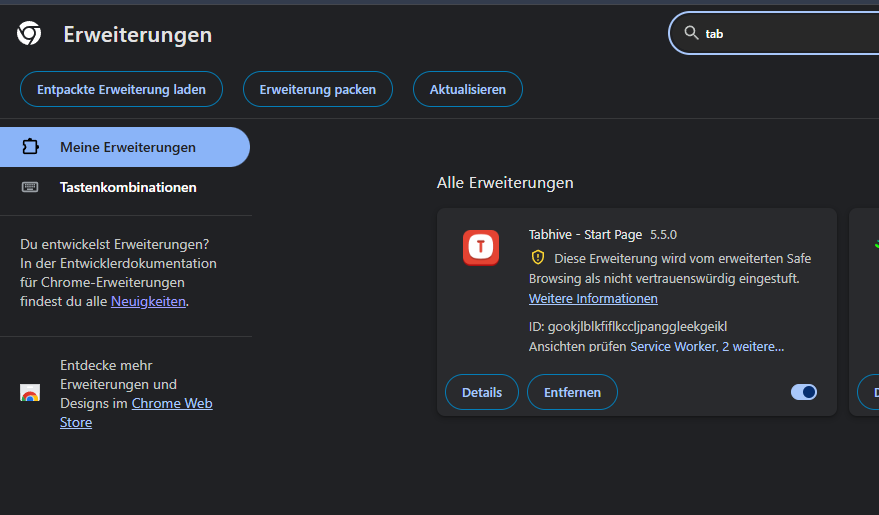
Thanks for the review 🙏 If you open a new tab, the new extension should show up automatically without the URL. I tested it again in my laptop and it works. How are you opening the extension?
I am not able to reproduce this. Which browser are you using? Can you try it out in a different browser that is supported?
I tried it alos with an anonymous tab to prevent side effects from other plugins, but still the same beahvior. When i clik on the Home icon of chrome , Tabhive even load and shows that chrome has blocked this site. Maybe some trust or security issues? Because it also showing a yellow exclamation mark in the extension. But maybe this is because the extension has not enough trust signals from users until now? 🤷♂️ I tried it also in a brand new edge without any extension installed. Same behavior. The URL field still showing the Link to the extension. It seems that chrome browsers are not recognising the Start and new tab settings/target?
Can you share a video showing the yellow exclamation mark? I would also like to see the home icon click of chrome behavior. What happens when you click on + (New tab)?
This link is not working. I think the recording might have expired.
In chrome browser settings, can you check if "Show home button" option has "New Tab page" selected? If not, can you select it and try it.
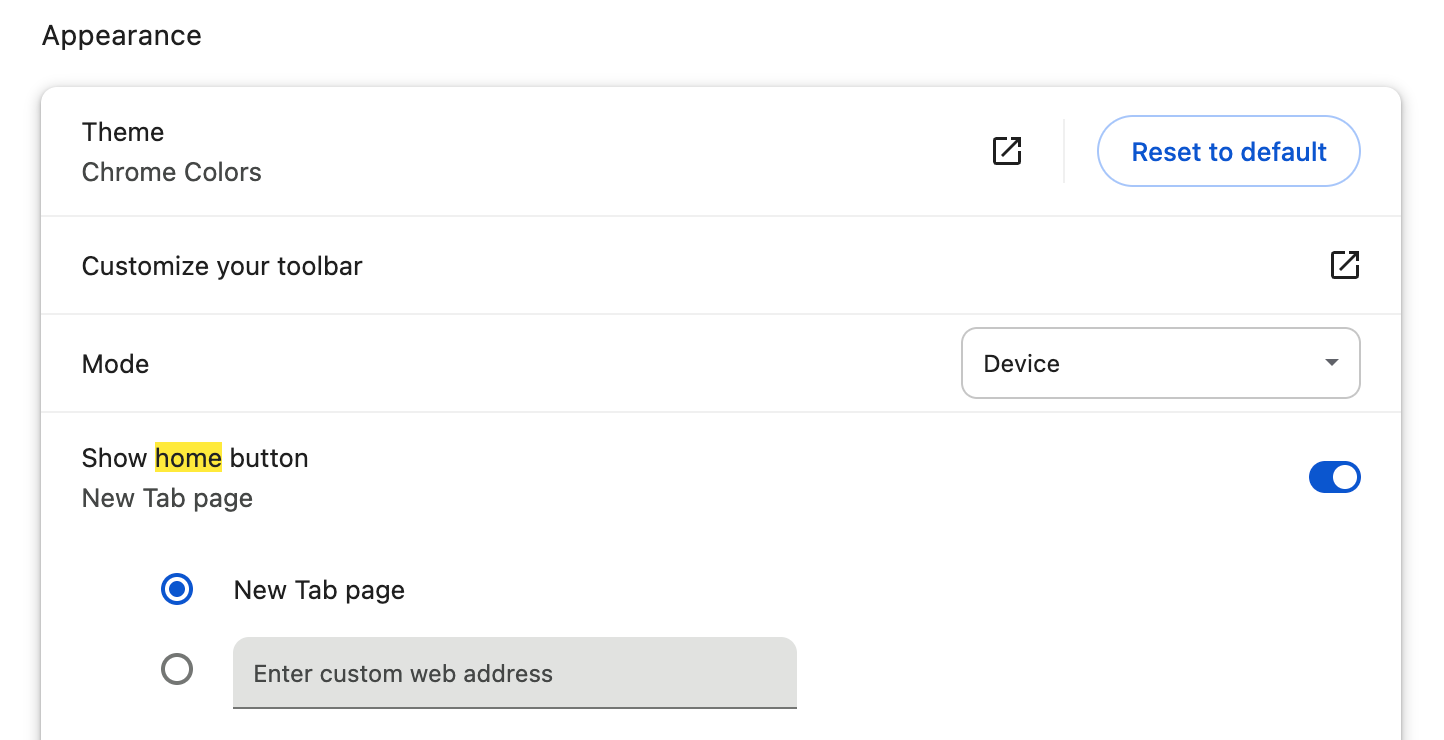
that toggle was the solution for the Start Button 👍 The URL is still showing, but anyway, since you have the search option in tabhive, it doesent matter anymore 🤷♂️
Even with new tab selected, it shows the URL? Also I observed that the URL is of the Tabhive main extension and not from Start Page extension.
after an chrome update to the latest version, the URL is now empty after I click the start icon or new tab 👍 Do this problem seems solved 👍
That is possible, but I will have to create a separate extension. I will create one and have it published it to the chrome store sometime next week.
You can remove the current extension and add this one - https://chromewebstore.google.com/detail/gookjlblkfiflkccljp… It works with the same way, same login details.